

The latest smartwatches promise to track your heart’s secrets and sleep’s mysteries — but do they guard that data like a vault, or just funnel it into a corporate data lake? Let’s unpack the sensors, servers, and safeguards in this deep dive on privacy for wearables like the Apple Watch, Samsung Galaxy Watch, and more.
Ready to prioritize privacy in your next wearable? Start with these: Check Price on Apple Watch Series 11 , Check Price on Samsung Galaxy Watch8 , and Check Price on Google Pixel Watch 4.
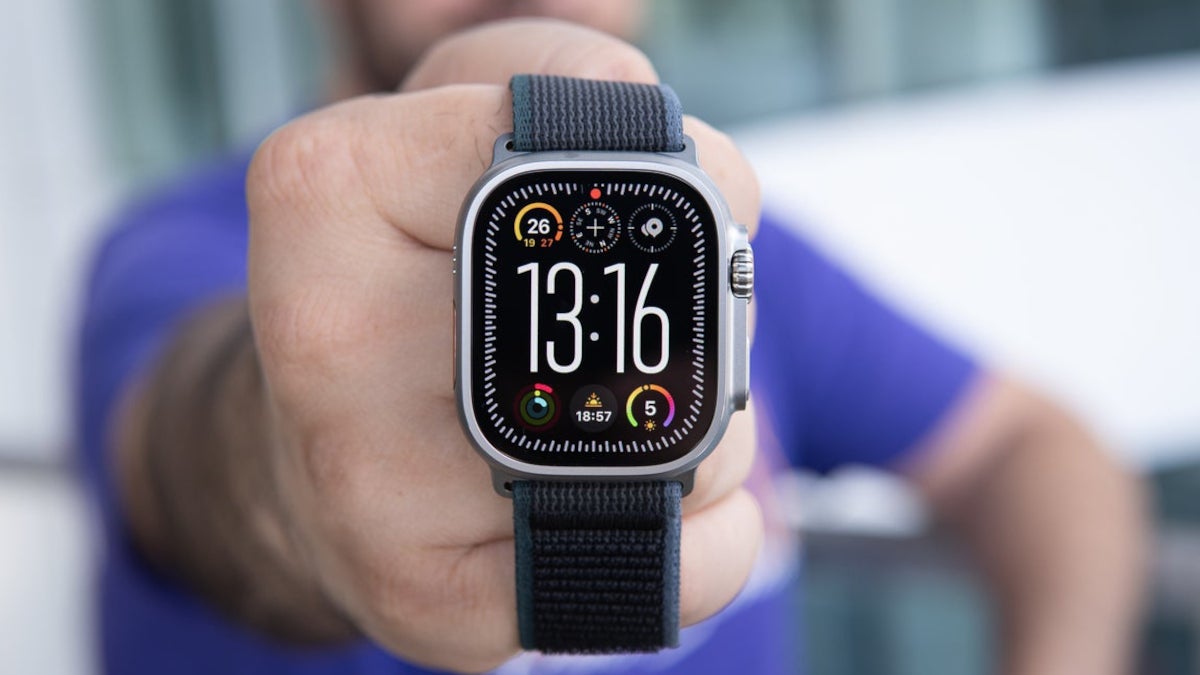
Apple Watch Ultra (2026) could sport a larger mini-LED screen and a bigger price tag – PhoneArena
Data Collection Breakdown
Picture your smartwatch as a mini detective on your wrist — logging heart rate, steps, sleep patterns, and even blood oxygen like clues in a case file. But who gets the dossier? Most devices collect biometric basics (heart rate, activity), location data for GPS runs, and app interactions. Advanced ones like Samsung’s Galaxy Watch8 add snoring detection and energy scores, while Apple’s Series 11 spots sleep apnea via wrist temperature shifts.
The nerdy bit: Data types include identifiers (device ID), health metrics (ECG readings), and inferred insights (stress levels from heart variability). Garmin’s Venu 3, for instance, aggregates workout data into training load scores, but you control sharing. Fitbit (now Google) tracks menstrual cycles but promises not to use it for ads. Always check if it’s “anonymized” — often, it’s pseudonymized, meaning re-identification is possible with enough cross-referencing.
| Data Type | Examples | Common Uses |
|---|---|---|
| Biometrics | Heart rate, sleep stages, SpO2 | Health insights, anomaly alerts |
| Activity | Steps, workouts, GPS routes | Fitness tracking, route mapping |
| Inferred | Stress scores, readiness ratings | Personalized coaching |
| Identifiers | Device ID, email | Account sync, support |
Cloud vs On-Device Processing
Here’s an analogy: On-device processing is like cooking at home — your ingredients (data) stay in your kitchen. Cloud processing ships them to a restaurant server, risking eavesdroppers en route. Apple excels here with end-to-end encryption for Health app data; nothing leaves your iPhone or Watch without your passcode, and even Apple can’t peek. Features like Siri health queries run locally via the Neural Engine.
Samsung and Google lean cloud-heavy for AI perks: Galaxy AI synthesizes metrics into Energy Scores on servers, though local analysis handles basics. Pixel Watch 4 uses Fitbit’s cloud for advanced sleep tracking, but Google commits to separating health data from ads. Garmin strikes a balance: Core processing on-device, optional cloud sync for Connect app sharing.
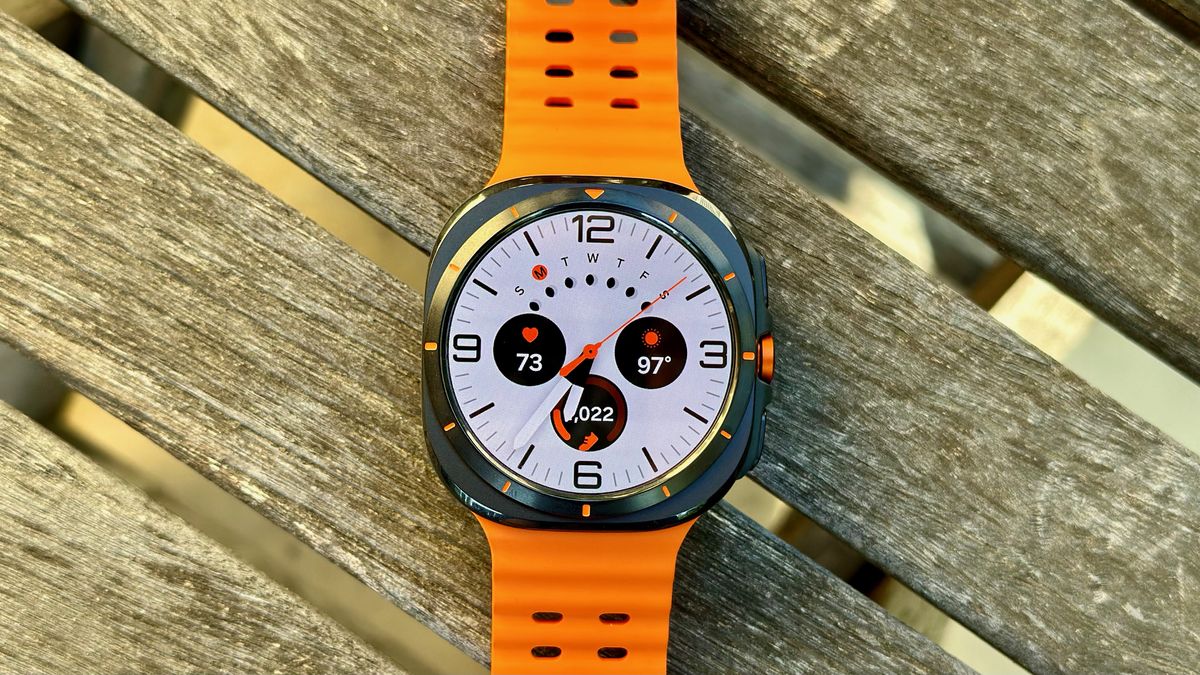
Samsung Galaxy Watch Ultra 2026: Everything we want to see | Android Central
| Approach | Pros | Cons |
|---|---|---|
| On-Device | Faster, private (no transmission risks) | Limited by hardware power |
| Cloud | Advanced AI, cross-device sync | Potential breaches, slower if offline |
Brand Comparison (Apple, Samsung, Others)
Apple’s ecosystem is a privacy fortress: Health data encrypted on-device, no sharing without explicit consent, and features like Private Cloud Compute for AI without exposure. Samsung’s policy allows data storage outside your country, with integrations to Galaxy AI that could infer habits for “personalization”.
For others: Google’s Pixel Watch 4 (with Fitbit) keeps health data ad-free but requires migration to Google accounts by May 2026, merging ecosystems. Garmin emphasizes user control — no selling data, granular sharing options. Fitbit’s legacy: Collects extensively (23 data types vs. Garmin’s 12), but post-Google, privacy aligns with commitments not to monetize health info.
| Brand | Key Privacy Features | Potential Drawbacks |
|---|---|---|
| Apple | End-to-end encryption, on-device AI | iOS-only ecosystem lock-in |
| Samsung | Encrypted transmission, customizable visibility | Data may cross borders, ad integrations possible |
| Google/Fitbit | Health data ad-free, unified controls | Dual policies (Google + Fitbit), mandatory migration |
| Garmin | Granular controls, no data sales | Optional cloud sync could expose if enabled |
Risks & Best Practices
Risks? Data breaches (rare but real), inference attacks (e.g., insurers deducing habits from aggregated data), and third-party shares (apps like Strava). Samsung’s TVs have faced scrutiny for over-collection; watches could follow. EU regs like GDPR help, but U.S. varies.
Best practices: Use passcodes, enable two-factor, review app permissions. For Apple: Lock Health data. Samsung: Toggle Privacy Display for shoulder-surfing protection. Google: Opt out of ad personalization. Garmin: Limit Connect sharing. Always read policies — Apple’s is clear; others can be dense.
Privacy Score Ranking
Based on policies, processing, and expert reviews (e.g., Mozilla’s “Privacy Not Included”), here’s a 1-10 ranking (10 = best privacy). Scores factor encryption, data minimization, and sharing controls.
| Brand | Score | Why? |
|---|---|---|
| Apple | 9/10 | Strong encryption, minimal collection |
| Garmin | 8/10 | User controls, no ads/sales |
| Google/Fitbit | 7/10 | Ad-free health but ecosystem merge |
| Samsung | 6/10 | Border-crossing data, personalization risks |
In conclusion, privacy isn’t binary — it’s about trade-offs. Apple offers the tightest vault for iOS users; Garmin suits fitness purists avoiding big tech. Samsung and Google provide value but demand trust in their pipelines. Prioritize on-device features if paranoia strikes, and always audit your data flows.
Stay curious. — A.C.
